UI Design Bootcamp Experience as a Product Manager
I recently finished a 30-day UI design boot camp by Design Champs, an online learning platform focusing on UI/UX created by Jesse Showalter. I want to share my experience finishing this boot camp as a product manager, software engineer, and a SaaS owner. I want to share because through this relatively formal design education, I learned about the importance of having a design skill in today’s tech landscape that you might find useful.
This is Design Champs.
They have courses and community around UI / UX design. They also have a regular design challenge we can participate in.
Why I joined a UI design boot camp
One of my main reasons is because I have a SaaS that has been running for several years which has grown a lot in user base and in complexity. This SaaS is pretty much a solo project in which I am the product manager, developer, and designer. The only other stakeholder involved in this project is a non-tech domain expert. At the current stage, we face multiple design problems that require me to make design decisions quickly such as: adding several key texts in a page, fixing color combinations as pages got bigger, and rearranging pages layout as we got more features. From my experience, these are tasks AI can’t assist effectively yet as AI is currently good at generating design from scratch but not solve a lot of design problems in a lot of pages.
Another reason is because my role as a product manager require me to upskill my prototyping capability so I can communicate better with designers. Typically, I prototype by drawing on a tablet or using a web-based lo-fi mockup editor like draw.io. From my experience, this kind of prototype oftentimes opens up a lot of questions when presented to designers because of the genericity. I sometimes need a higher fidelity mockup to present to designers to communicate more efficiently with them.
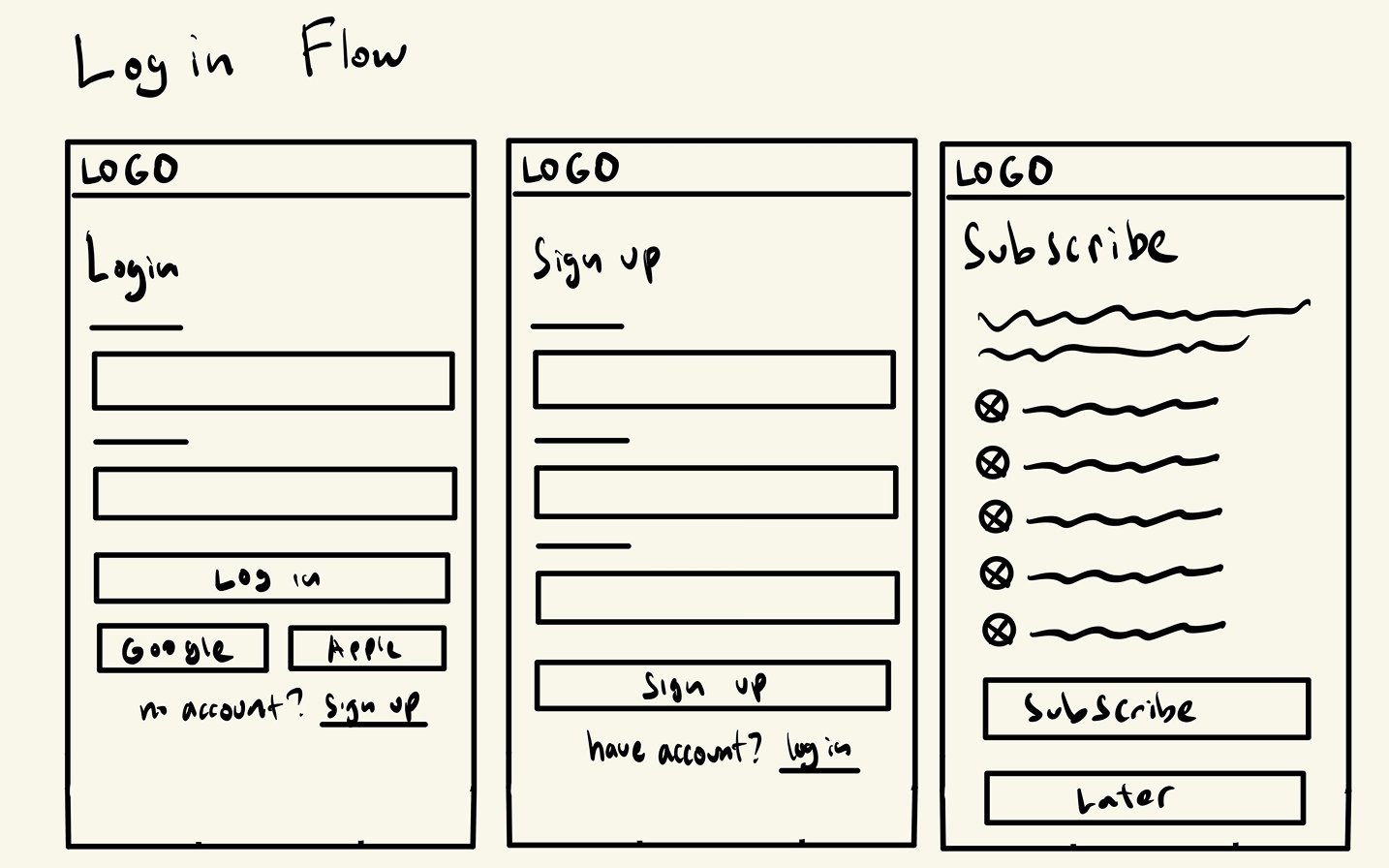
This is my typical format for sketching a visual design before the bootcamp.
What I learned in the UI design boot camp
The course covers the psychology of visual design (how our brains perceive it), how it translates to the principles of UI design (use of color, layout, typography, icon, illustration, etc), and how to use Figma to create a design that complies with those principles and achieve the product goals while maintaining a design deliverables standard.
The format of the course is fully online. We access the course via a website. They break down the course into a 30 day curriculum. For each day there’s an online recording for a specific lesson we need to sit-through, along with a practical tasks we need to finish (mostly exercise done in Figma). We can set our own pace to finish the course by finishing more or less than one lesson in a day, but the course is designed so that each day gives enough material to digest and design exercises to fill the day.
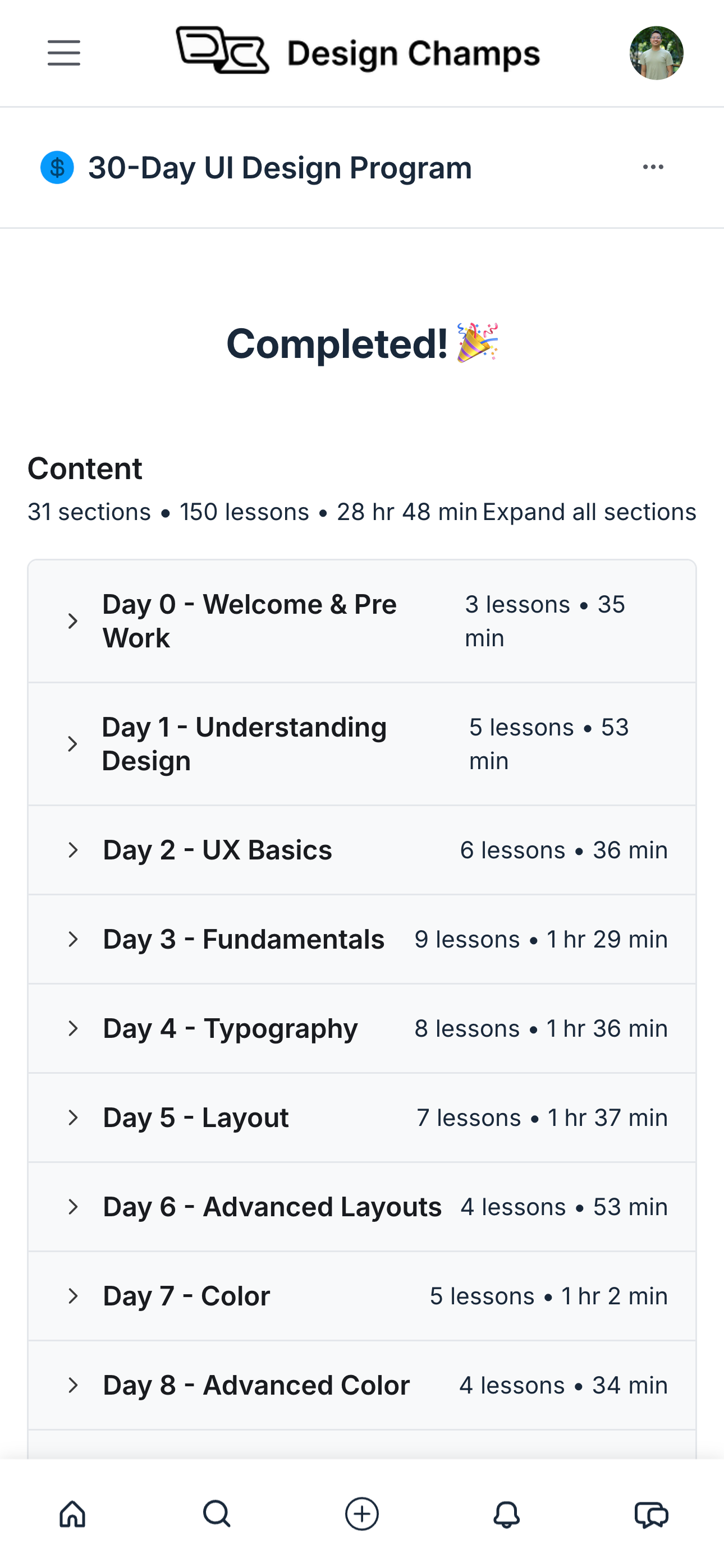
This is the curriculum snapshot.
Each day has several lessons (1 lesson = 1 video) and can take from 30 minutes to 2 hours.
All the lessons and exercise will culminate into the final tasks which is the capstone project. We will be given a real product case to design, and then we have to create production-grade design deliverables from it: mood board, component library, lo-fi design, hi-fi design, and working prototype. For my case, the capstone project is to create a meditation app like Calm.
My Impression
After finishing the bootcamp (which took me more than 30 days), I think I got what I came for and then happily gained some more. I think now I can make design decisions for my SaaS quicker, more confidently, and with better user-centric quality.
I’m now also able to design prototype using a standard design tool and in the format that designers and engineers typically use which should enhance the way I work and communicate with them. I’ve used this new prototyping skill to create multiple designs for my SaaS new features and for some interview test. 😉
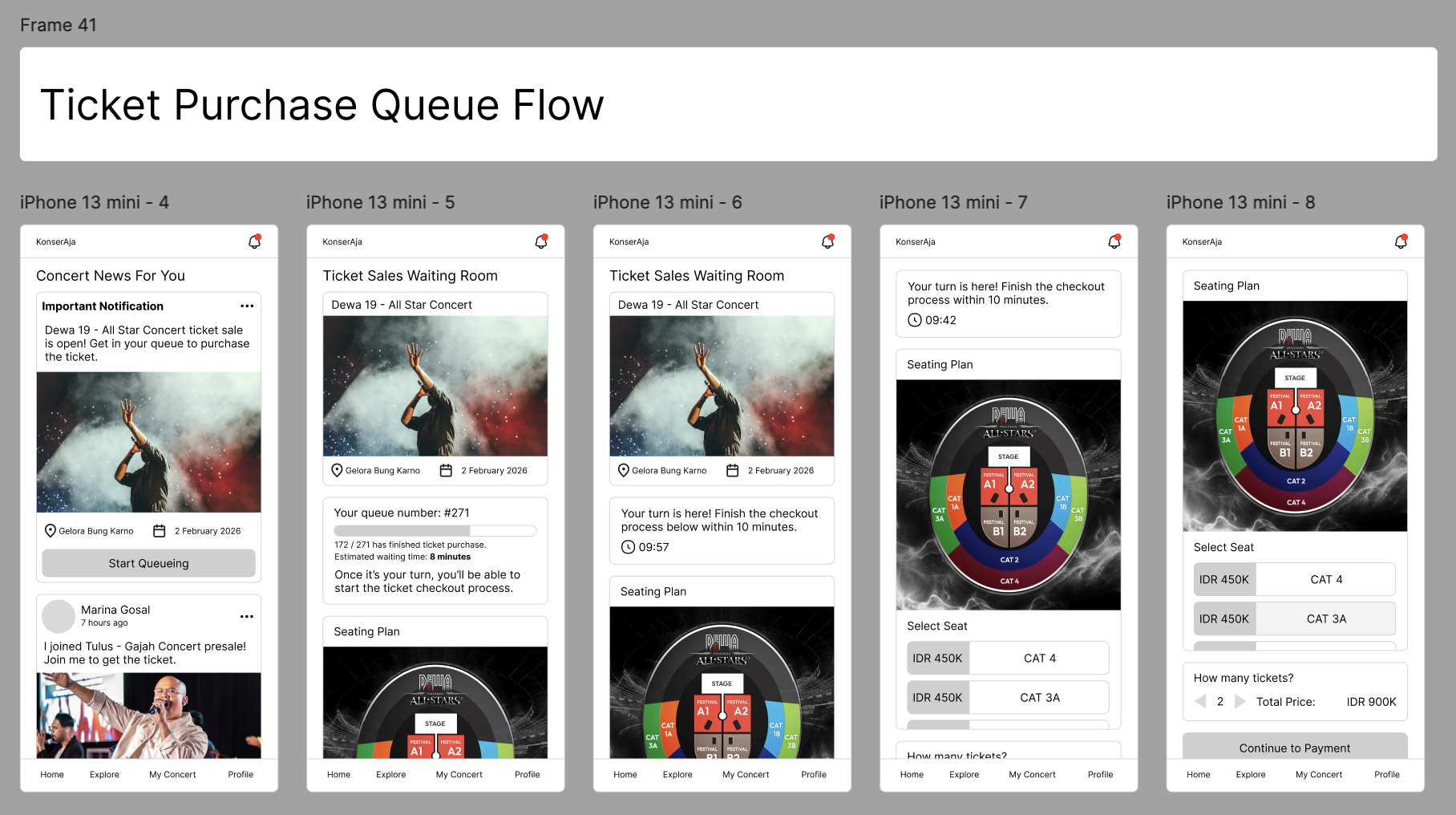
This is my typical format for sketching a visual design after the bootcamp. 🎉
Another very useful lesson for me is the design resource references. The course gave me tons of reading list and 3rd party tools to assist me in learning and creating UI design. These resources are actually useful in my day-to-day as a product manager for competitive and user research.
I would recommend this course if you:
Need to make many design decisions (e.g. you have a user facing SaaS and no designers);
Need to improve your presentation skills; or
Need to make higher fidelity prototypes for your designers or engineers
Showcase
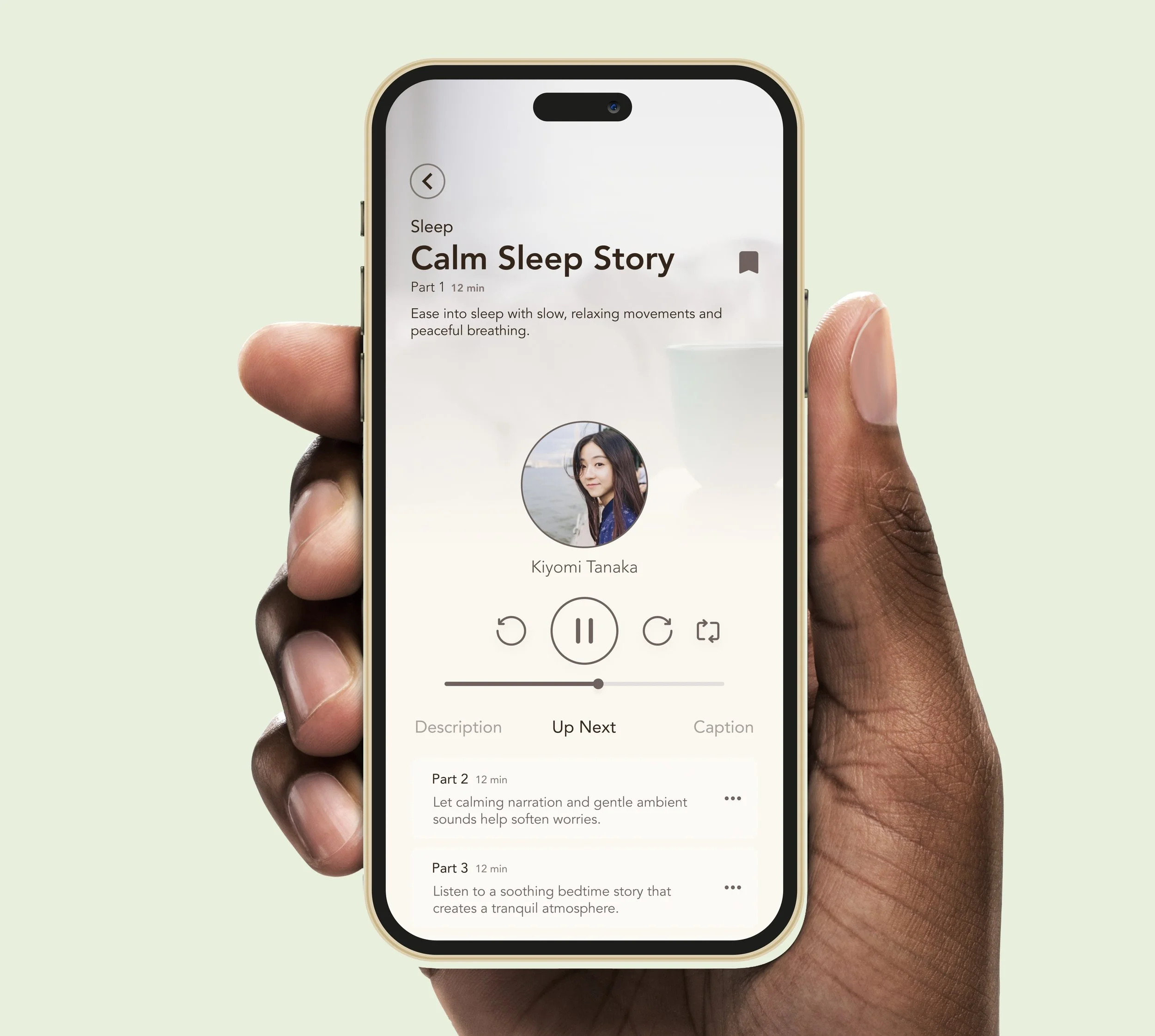
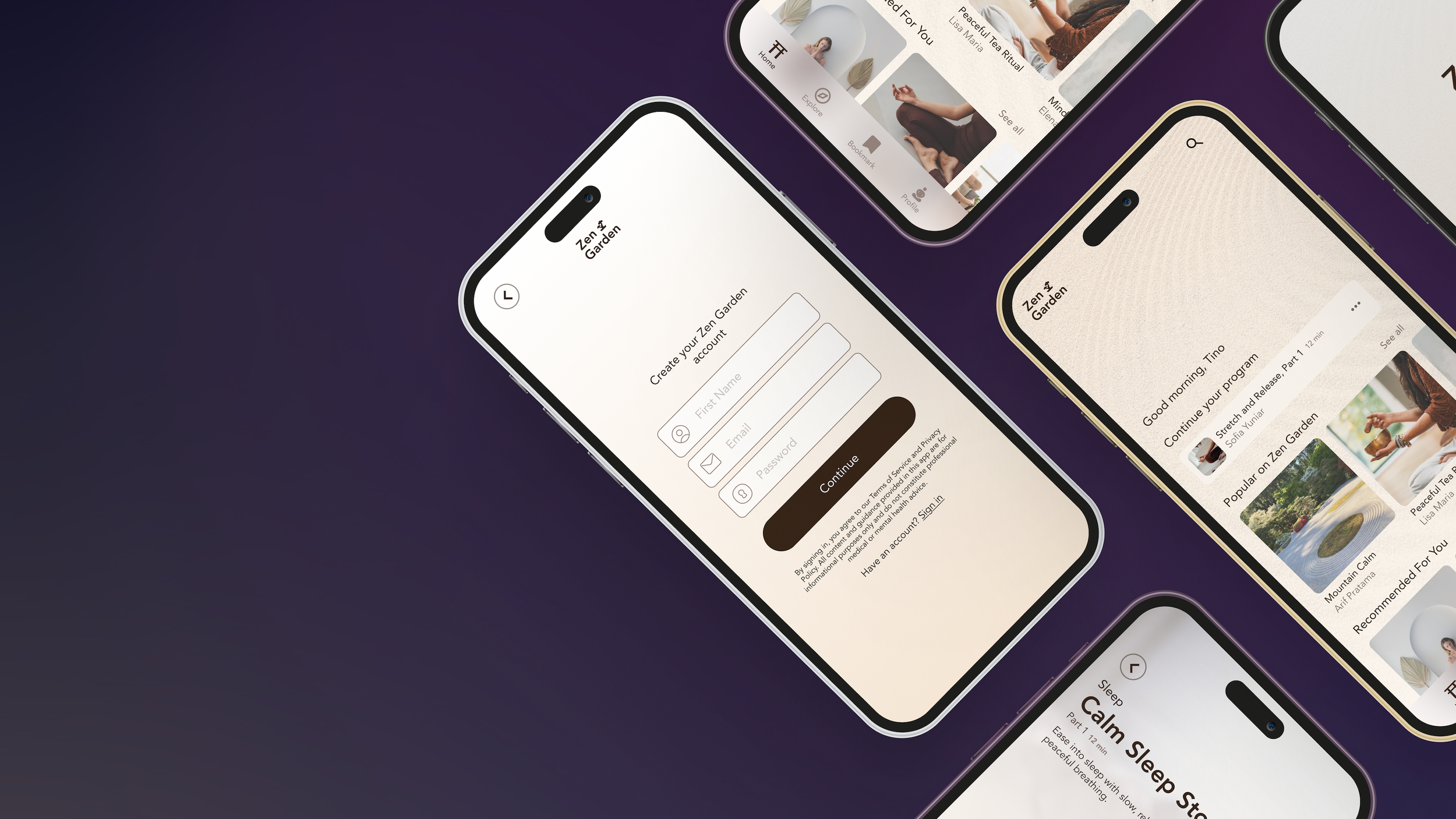
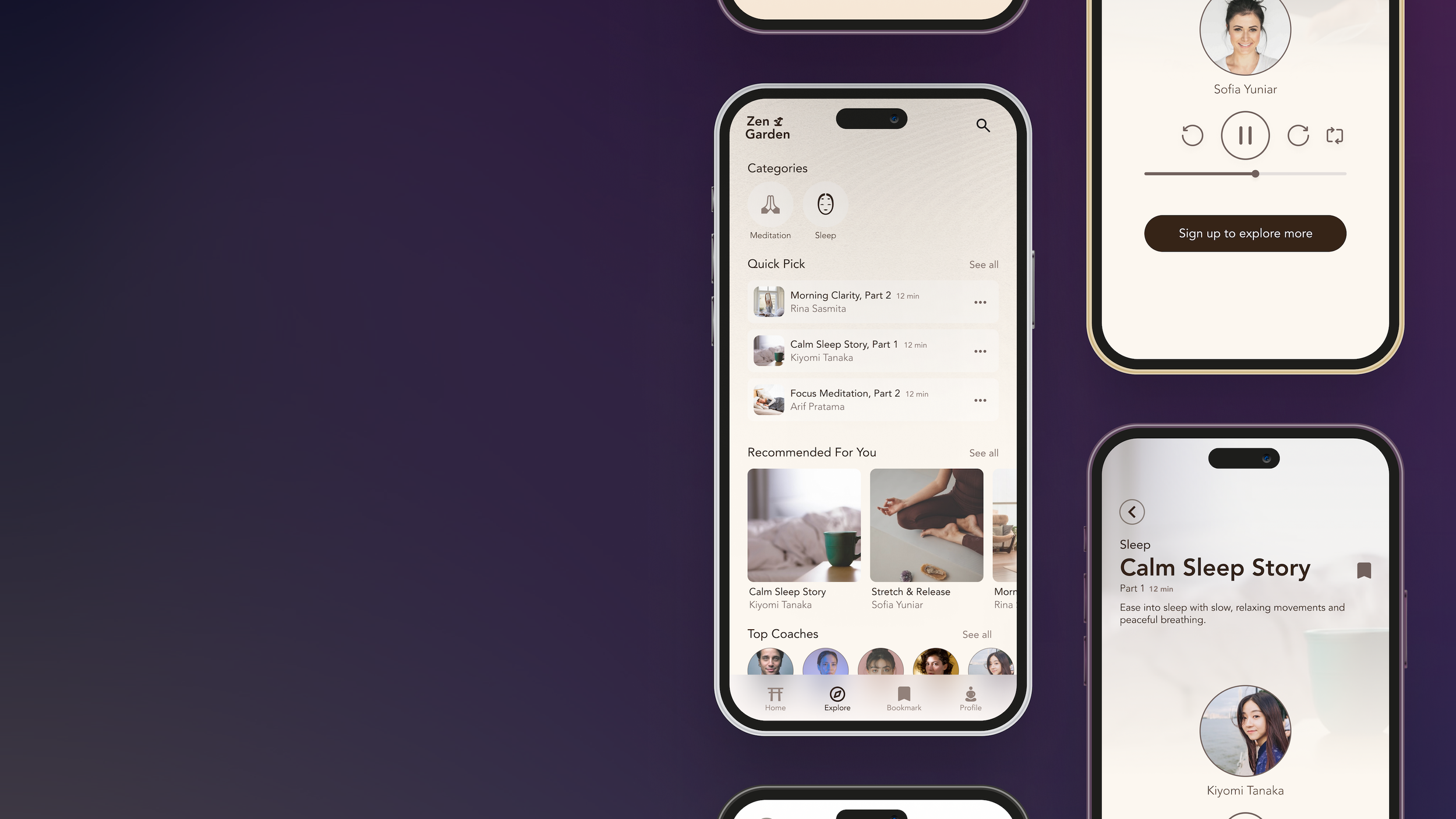
Here’s my capstone project "Zen Garden", a one stop meditation app to helps reduce stress, sleep better, and build a more mindful habit.